Report templates can help you customize reports for certain clients and types of cases. This reduces the time spent on dictating a report from scratch.
Below are the steps to create your own report template -
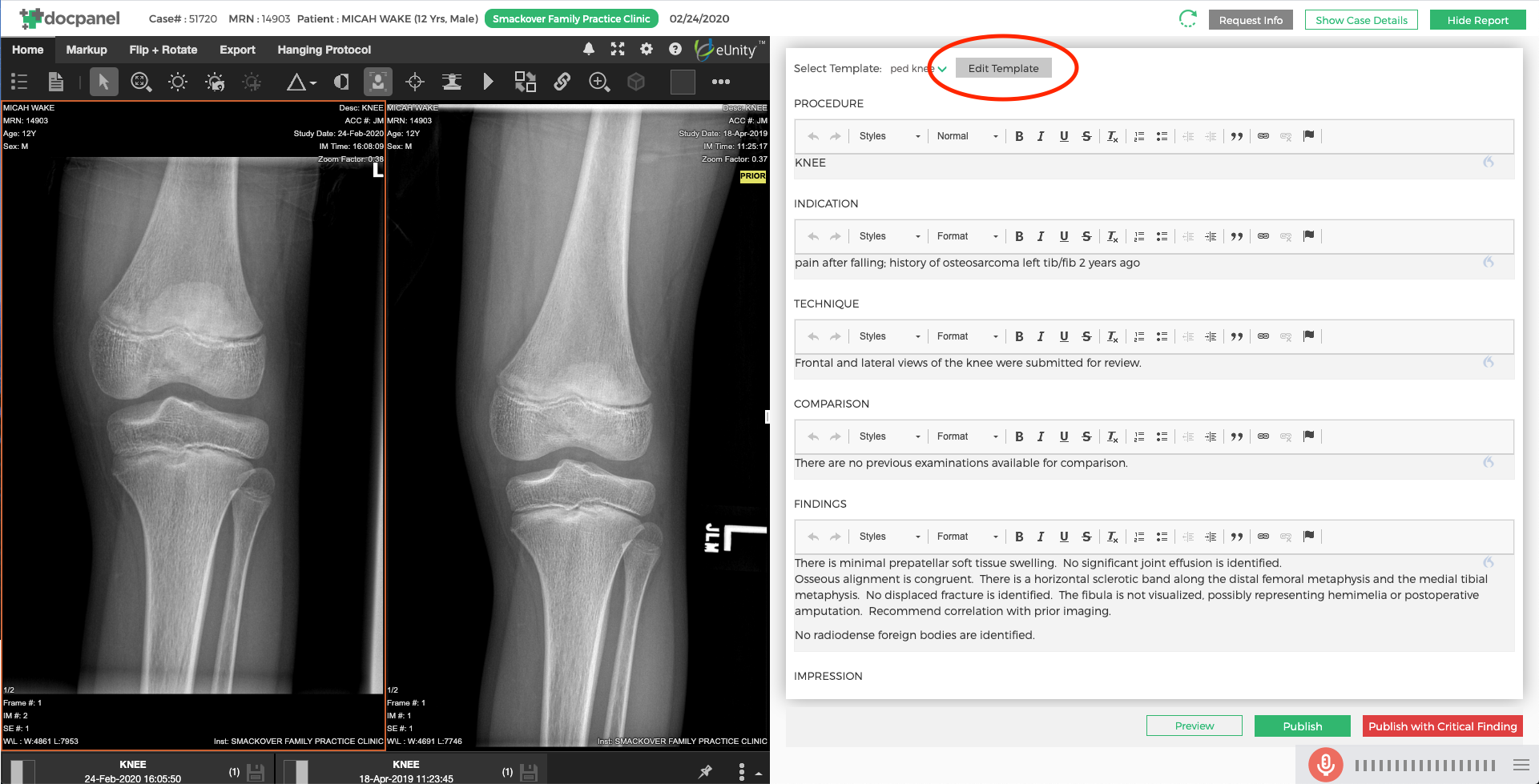
Navigate to a case. Click into the series and then choose "Show Report". Next to the template drop down, you will see an "Edit Template" button. Clicking this will take you to a Template Editor Tab. The Template Editor allows you to modify existing templates and create new templates.
We have provided a guide for you on the left side of the screen that explains the different features that can assist you to create a template.
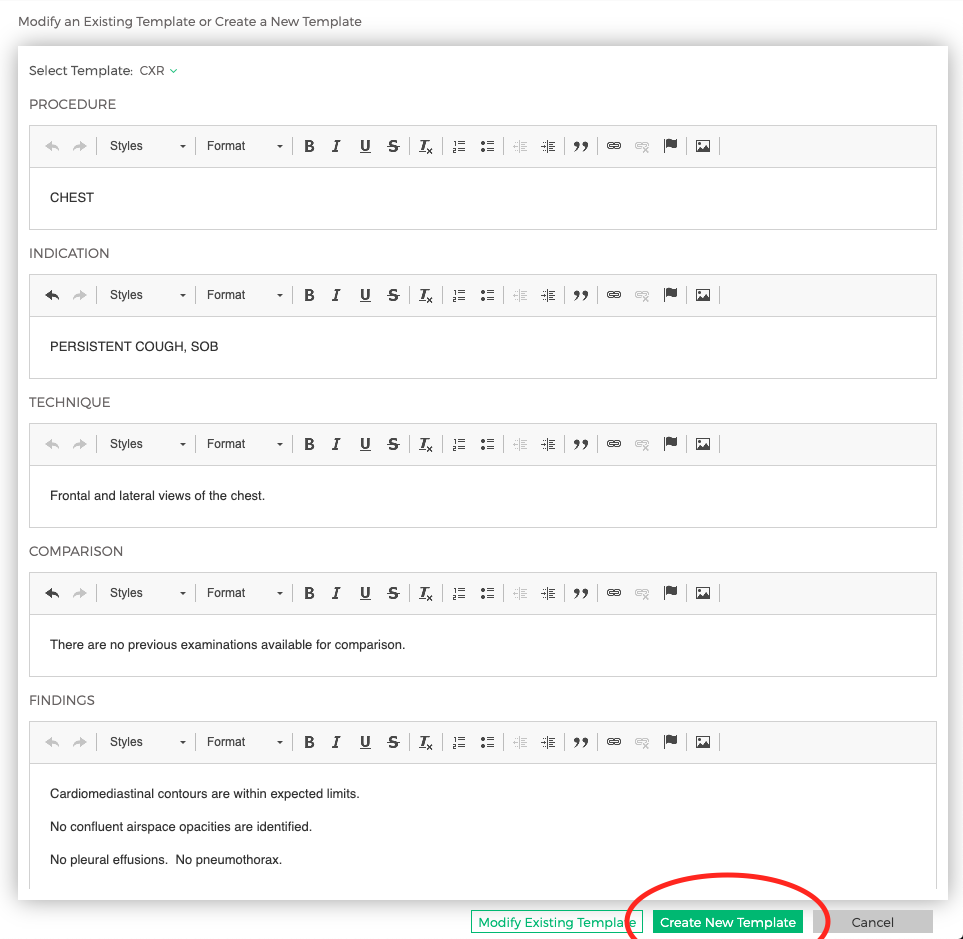
Dictate the report in the format of how you would like the template to show. Then, at the bottom right, click "Create New Template" (see below):
Once you click, "Create New Template", the following window will appear. You need to select the modality, body part and the clients that this template should be applied on.

The final step is to name your template and once you hit "save", this template will auto-populate for the specific body part and client(s) you have selected in the future.
Comments
0 comments
Please sign in to leave a comment.