An imaging center may request that a report be reviewed or an addendum added. You will receive a notification based on your preferences and can use the link to open the specific case
- Navigate to your “Completed Cases” tab
- From the elipses on the right side of the case card, select “Add an Addendum” (or open the case and the viewer)
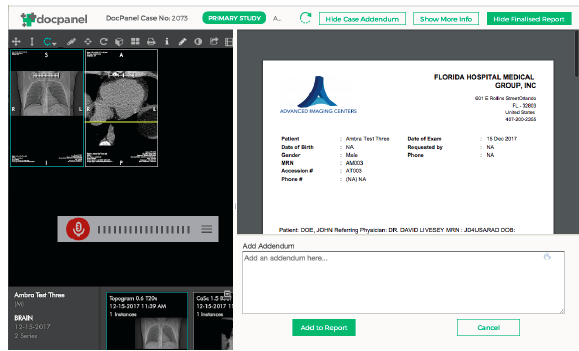
- Write the addendum into the provided area and click “Add to Report”
- When you are satisfied with the report click “Publish Final Report”. This will notify the imaging center or patient that an addendum has been added to the report.
Comments
0 comments
Please sign in to leave a comment.