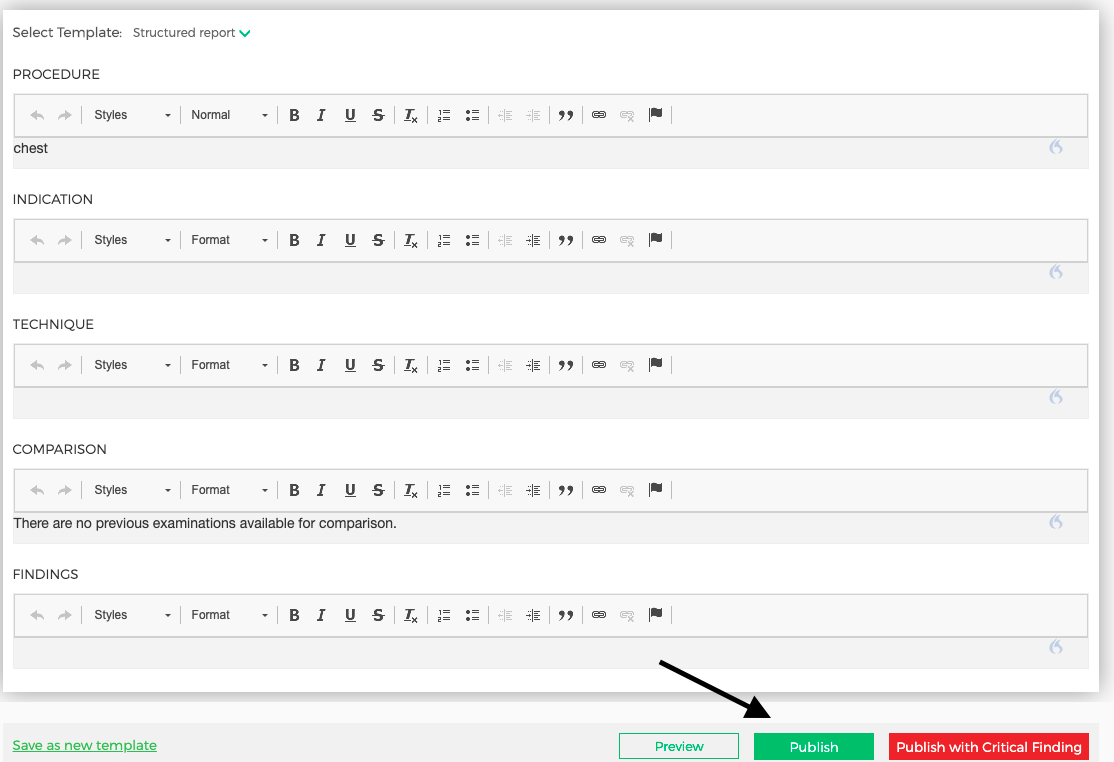
Once you finish dictating you report, select either "Preview" then "Publish", or simply click "Publish" (shown below):
You will receive the following pop-up:

Click "Publish" again.
The report will live in your "Active Case" queue for five minutes after you click "Publish". It will have a tag that says "Report Editable" and you will be able to make last minute changes before it is officially finalized and automatically moves to your "Completed" cases section.
Comments
0 comments
Please sign in to leave a comment.